Claude AI for students has become one of the most searched terms in education this year, and most of what comes up is either outdated or quietly promoting a third party subscription reseller. This guide covers what Claude actually offers students in 2026, whether a real discount exists, and how to use it to genuinely understand material instead of just generating something to hand in.
Table of Contents
What Is Claude AI for Students?
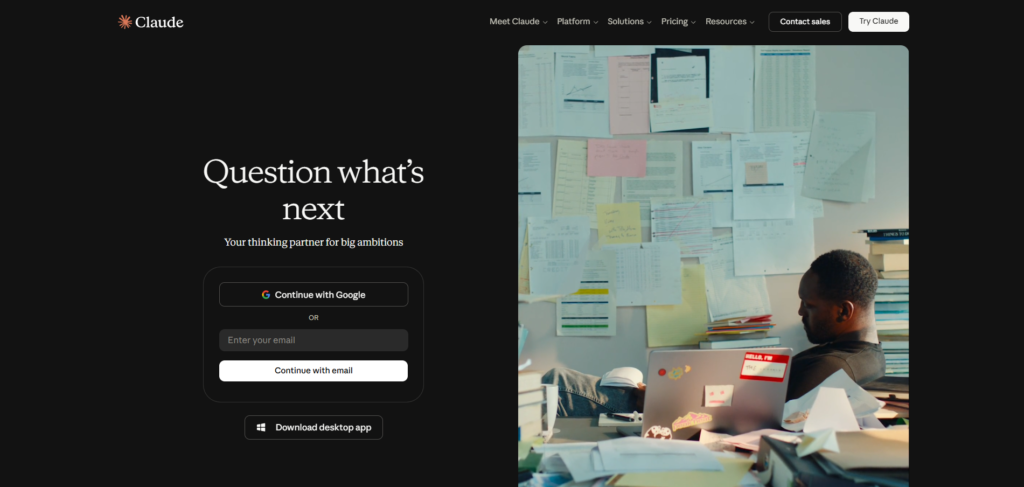
Claude AI for students refers to how the general Claude assistant gets used for coursework, research, and studying, since Anthropic does not currently sell a separate individual student product. This is worth stating clearly upfront because a lot of search results promise a discount that simply does not exist as an individual, verified offer.
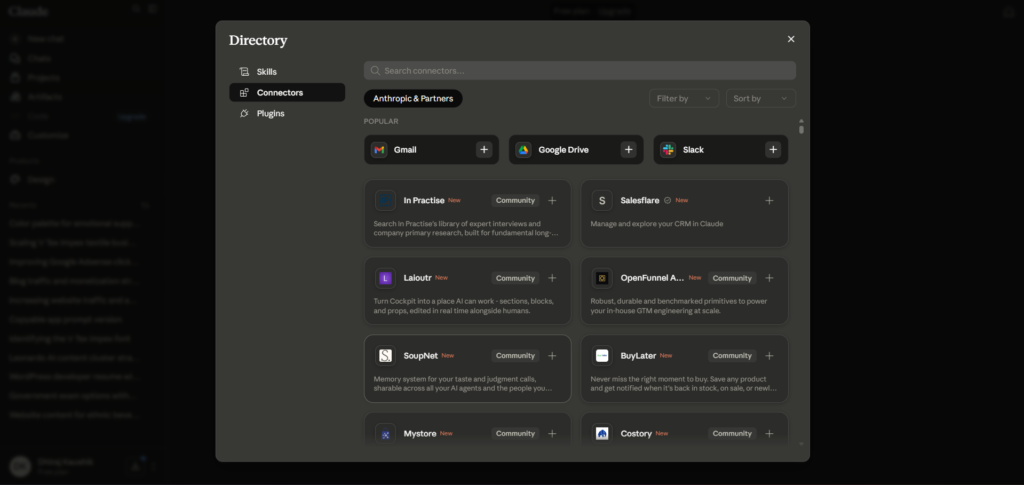
What Anthropic does offer is Claude for Education, an institutional plan that universities license for their students, faculty, and staff. If your school has signed an agreement, logging into Claude with your university email can activate Pro level access automatically. Announced partner schools have included Northeastern University, the London School of Economics, and Champlain College, with more added throughout 2025 and 2026, though most students will find their specific school has not signed up yet.
Claude for Education includes a feature called Learning Mode, built specifically to behave more like a tutor than an answer machine. Instead of directly solving a problem, it asks guiding questions designed to walk you through your own reasoning, which is a meaningfully different experience than typing a question into a general chat window and copying the response.
Why Anthropic Chose the Institutional Route?
Unlike Spotify or Amazon Prime, which sell individual student pricing directly at checkout, Anthropic has focused its education strategy almost entirely on university level partnerships rather than individual discounts. This reflects a business model where a large share of revenue comes from enterprise and API usage rather than consumer subscriptions, making broad institutional deals a more natural fit for the company than a mass market student discount program.
This approach has a real consequence for students: your access to discounted or free Claude depends far more on your specific university’s administrative decisions than on anything you can do individually. A student at a partner school gets meaningfully more value than a student at a school without an agreement, even though both are paying the same price if they subscribe individually.
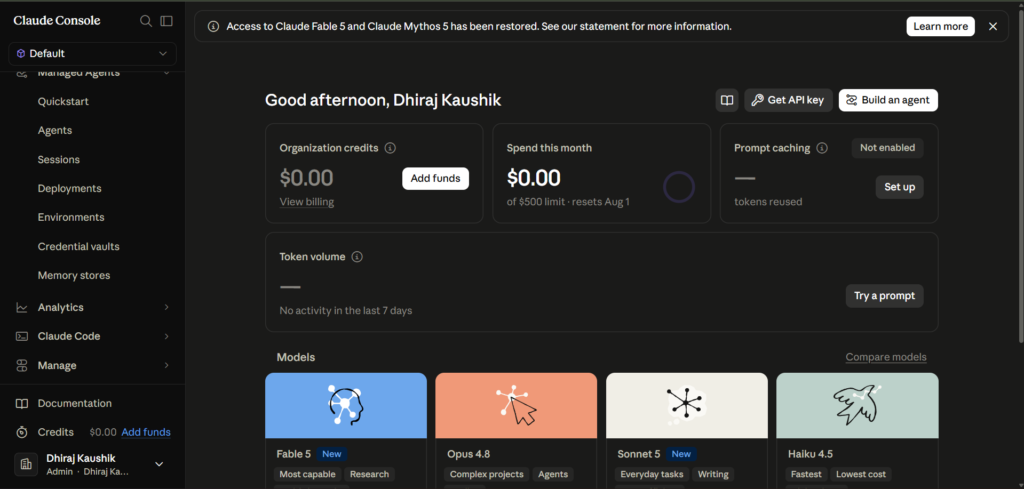
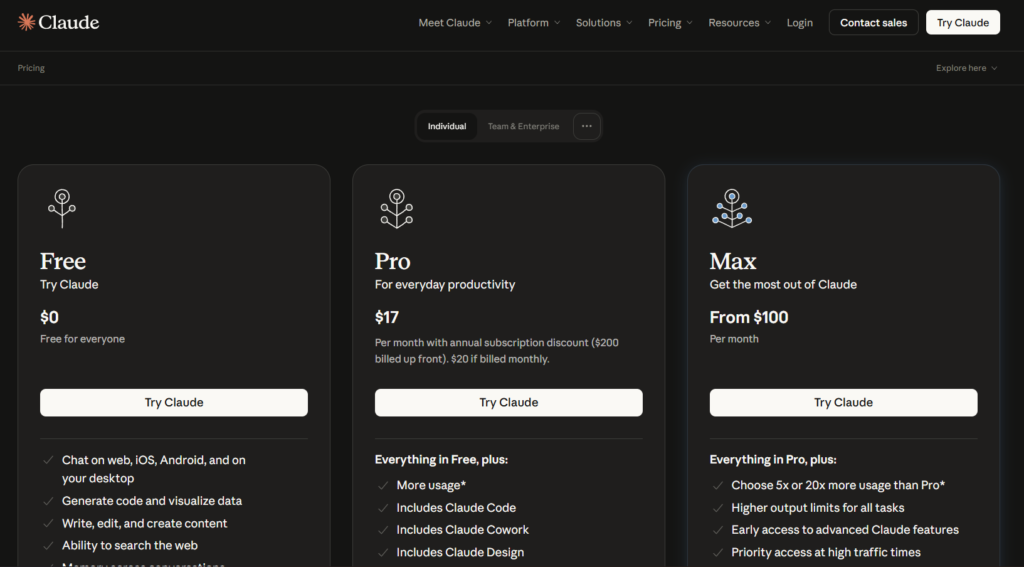
If your university has not adopted Claude for Education, your realistic options are the free Claude tier, which now includes Projects, web search, and file uploads, or a standard Pro subscription at twenty dollars a month. Annual billing brings that down to roughly seventeen dollars a month, which is currently the only broadly available way to reduce Claude’s price, and it has nothing specifically to do with being a student. For the full breakdown of what each tier actually unlocks, our complete look at what you get across every Claude pricing plan covers this in more depth than Anthropic’s own pricing page does.
How Claude AI Works for Studying?
Understanding how Claude actually helps with schoolwork requires separating two very different use cases: using it as a study aid to build understanding, and using it to generate content you submit as your own work. Only the first use case holds up under any reasonable academic integrity policy, and most universities have specific language addressing the second.
Learning Mode vs Standard Chat
Learning Mode, available through Claude for Education, deliberately withholds direct answers in favor of Socratic style questioning that pushes you to work through a problem yourself. Standard Claude, used through a personal Pro or free account, will generally give you a direct answer if you ask for one, which places more responsibility on you to use that answer as a starting point for understanding rather than a final product.
Uploading Course Material for Context
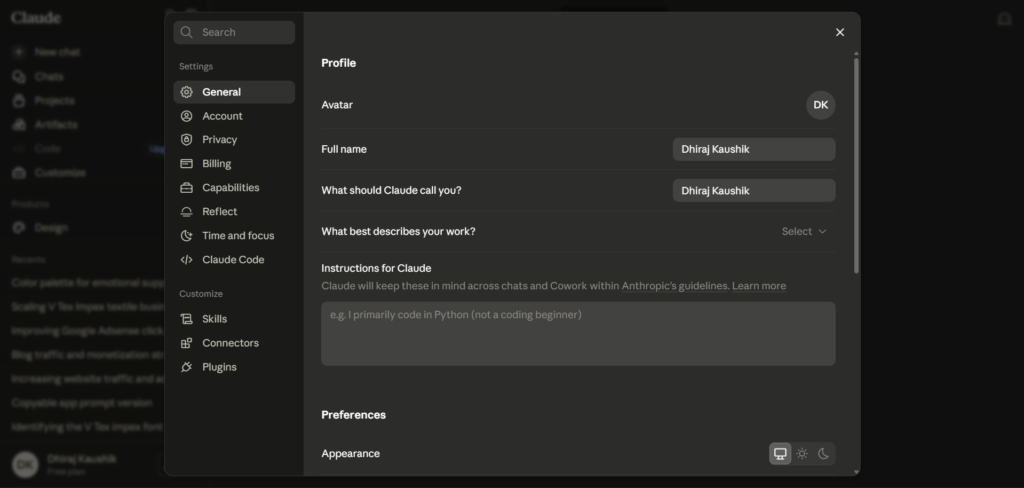
Claude’s Projects feature lets you upload a syllabus, lecture notes, or a textbook chapter once, then ask questions that reference that specific material throughout a semester without re-uploading it every session. This is particularly useful for large reading heavy courses, where you can ask Claude to explain a confusing passage in the context of material you have already provided rather than a generic explanation of the topic.
Web Search for Current Research
For research papers requiring current sources, Claude’s web search feature can pull live information rather than relying only on its training data, which has a fixed cutoff date. This matters for topics that move quickly, current events, recent scientific findings, or ongoing policy debates, where relying on training data alone would give you outdated information presented confidently as current.
It is worth remembering that web search results still need the same critical evaluation you would apply to any source found through a search engine. Claude summarizing a source accurately does not guarantee that source itself is reliable, which means the underlying academic skill of evaluating source quality remains entirely your responsibility rather than something the tool handles for you.
Step-by-Step Guide to Using Claude AI as a Student
Here is how to actually set Claude up for coursework in a way that builds understanding rather than just producing a finished assignment.
Step 1: Check If Your University Already Has Claude for Education
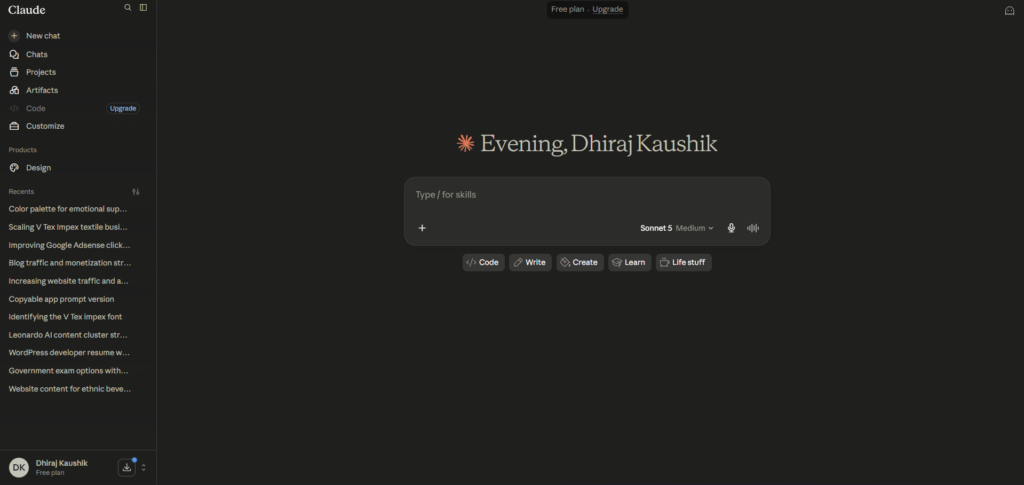
Before paying for anything, sign into claude.ai using your university email address and check whether Pro features activate automatically. This single step, worth checking each semester, can save you twenty dollars a month if your school has quietly signed an agreement you were not aware of.
Step 2: Set Up a Project for Each Course
Create a separate Project for each class you are taking, uploading the syllabus and any recurring reference material like lecture slides or reading lists. This keeps context organized and means you are not repeating background information every time you start a new conversation about that class.
Step 3: Use Claude to Explain, Not to Write, Your First Draft
When working on an essay or assignment, ask Claude to explain concepts, summarize confusing readings, or quiz you on material rather than asking it to write the assignment directly. This keeps you actively engaged with the material, which is both more honest and, practically speaking, better preparation for exams that test the same material without AI assistance available. Treating Claude as a study partner rather than a ghost writer also tends to produce better long term results, since the understanding you build sticks with you well past the deadline for a single assignment.
Step 4: Ask for Feedback on Your Own Draft Instead
Write your own first draft, then paste it into Claude and ask for specific feedback on clarity, structure, or argument strength. This mirrors how a writing center tutor or teaching assistant would help you, improving your own work rather than replacing it entirely.
Step 5: Use Web Search for Research, Then Verify Sources Yourself
When Claude pulls information from web search for a research paper, click through to the actual sources it cites rather than trusting the summary alone. This is standard academic practice regardless of whether AI is involved, and it protects you from citing something Claude may have summarized inaccurately.
Step 6: Check Your Specific Course and University AI Policy First
Before using Claude for any graded work, confirm your specific course syllabus and university’s policy on AI tool use. Policies vary significantly even within the same school, and some professors explicitly welcome AI as a study aid while others prohibit its use entirely for certain assignment types. When a policy is unclear or absent from the syllabus entirely, emailing your professor directly for clarification takes a few minutes and removes any ambiguity before it becomes a problem.
Key Benefits of Claude AI for Students
Claude’s ability to explain complex material in plain language, adjusted to your specific level of understanding, is one of its most genuinely useful features for studying. Unlike a static textbook explanation, you can ask follow up questions until a concept actually clicks, which mirrors office hours more than a search engine result.
The Projects feature meaningfully reduces the friction of getting AI help on a specific course’s material. Once you upload your syllabus and readings, every question you ask stays grounded in what your specific professor actually covered, rather than a generic explanation that might not match your course’s particular framing or terminology.
Learning Mode, when available through Claude for Education, directly addresses one of the most common criticisms of AI in education, that it does the thinking for students rather than supporting their own reasoning. A tool that deliberately withholds answers in favor of guiding questions is a genuinely different product design than a standard chat interface optimized for quick, direct answers.
Claude’s willingness to say it is uncertain rather than confidently guessing matters more in an academic context than almost anywhere else. A wrong answer stated with total confidence in a research paper can lead to a citation of something that is simply not true, and Claude’s general tendency toward acknowledging uncertainty reduces this specific risk compared to tools that answer everything with the same confident tone regardless of accuracy.
The Projects feature also creates a useful side effect many students do not anticipate: it builds an organized, searchable record of everything you have asked and learned across a semester for a given course. Reviewing a Project’s conversation history before a final exam can function as a surprisingly effective study log, showing you exactly which concepts you struggled with earlier in the term and needed extra explanation to understand.
Comparison Table
| Tool Name | Standout Feature for Students | Study-Specific Mode | Real Student Discount | Monthly Cost |
|---|---|---|---|---|
| Claude AI | Learning Mode via university partnership | Yes, institutional only | No individual discount | Free, then $20 |
| ChatGPT | Broadest general homework help | Study Mode available | No verified individual discount | Free, then $20 |
| Gemini | Deep Google Workspace and Docs integration | Limited | Student plan promotions vary by region | Free, then $19.99 |
| Perplexity | Citation-first research answers | No | Yes, $10/month verified via SheerID | Free, then $20 |
| GitHub Copilot | Coding-specific help for CS students | No | Free tier via GitHub Student Pack, limited models | Free (limited), then $10 |
Pricing and discount availability reflect publicly verified information as of mid-2026. Student offers change frequently and sometimes mid-semester, so confirm current terms directly with each provider before relying on any specific number here.
Who Claude AI for Students Actually Works Best For?
Students at universities that have already signed Claude for Education get the most value, since Learning Mode and full Pro level access come at no direct cost to them individually. If you are unsure whether your school qualifies, checking with your IT department or library services is worth the five minutes it takes, since new partnerships get announced throughout the year and staff often know about arrangements before they are widely publicized to the general student body.
Humanities and social science students working through dense reading assignments benefit significantly from Claude’s ability to explain and contextualize difficult texts, particularly when paired with a Project containing the actual assigned readings rather than relying on general knowledge of a text Claude may only partially know. This is especially valuable for primary source material, philosophical texts, or older literature written in dense or archaic language, where a plain language explanation alongside the original passage helps build genuine comprehension rather than simply providing a summary to memorize.
Computer science and engineering students exploring Claude Code specifically should know it requires a Pro subscription and is not typically included in reduced student coding offers, unlike some GitHub Copilot student pathways which include limited free access to certain models. If you have already read our full breakdown of how Claude Code stacks up against GitHub Copilot for real development work, that same reasoning generally applies to a student learning to code, with the caveat that budget is a bigger constraint for most students than for a working developer.
Graduate students and researchers doing literature reviews benefit from Claude’s long context window for handling entire papers or chapters at once, though those doing heavily citation dependent research may still want to pair Claude with a dedicated research tool built specifically around sourcing, since citation accuracy matters more in graduate level work than in most undergraduate coursework.
FAQ
Does Claude AI offer a real student discount?
No, as of mid-2026, Anthropic does not offer a public, verified individual student discount for Claude Pro. There is no .edu signup flow, no SheerID verification process, and no student-specific pricing tier listed on Anthropic’s official pricing page. The only legitimate student-adjacent route is Claude for Education, which is licensed to universities rather than sold to individual students, so access depends entirely on whether your specific school has signed an agreement with Anthropic.
Is it cheating to use Claude AI for homework?
Whether using Claude counts as cheating depends entirely on your specific course and university’s academic integrity policy, which varies significantly even within the same school. Using Claude to explain a confusing concept, quiz yourself on material, or get feedback on your own draft is generally considered legitimate study support similar to a tutor or writing center, while submitting AI generated text as your own original work typically violates most academic integrity policies. Always check your specific syllabus and ask your professor directly if you are unsure, since assuming either way can lead to serious consequences, and some institutions now require explicit disclosure of any AI assistance used on an assignment regardless of how it was used.
How do I get free Claude Pro access as a student?
The only officially sanctioned free route is through Claude for Education, which requires your university to have signed an institutional agreement with Anthropic, activated by signing into Claude with your university email address. Anthropic also runs a Campus Program with Claude Builder Clubs and Campus Ambassador tracks that provide some participating students with Pro access and API credits, though these programs run in limited cohort rounds rather than being open enrollment year round. Third party sites advertising a guaranteed student discount code for Claude Pro are not affiliated with Anthropic and should be treated with skepticism.
Can Claude AI help me with coding assignments?
Yes, Claude AI can help explain coding concepts, debug errors, and walk through logic for programming assignments, and Claude Code specifically offers more advanced agentic coding help for students working on larger projects. However, Claude Code requires at least a Pro subscription and does not have a dedicated student discount, unlike some pathways through the GitHub Student Developer Pack, which offers limited free access to certain AI models within GitHub Copilot for verified students. For basic coding coursework, the free Claude tier is often sufficient to explain concepts and debug small errors.
Does my university already have Claude for Education?
The fastest way to check is signing into claude.ai directly using your university email address and looking for Pro level features activating automatically on your account. If nothing changes, your school likely has not signed an agreement yet, though it is worth asking your university’s IT department, library services, or academic technology office directly, since new partnerships are announced regularly throughout the year and staff may know about arrangements not yet widely publicized to students.
What is Learning Mode and how is it different from regular Claude?
Learning Mode is a feature available through Claude for Education that deliberately avoids giving direct answers, instead asking guiding questions designed to walk you through your own reasoning process, similar to how a good tutor operates. Regular Claude, accessed through a standard Pro or free account, will typically give you a direct answer if you explicitly ask for one, placing more responsibility on you to use that response as a learning tool rather than a final answer to submit. Students at schools with Claude for Education access can typically choose which mode fits a given study session.
Final Thoughts
Claude AI for students is genuinely useful when the goal is understanding material better, not when the goal is producing a finished assignment with minimal effort. Learning Mode, available through university partnerships, is Anthropic’s most direct answer to the tension between AI assistance and genuine learning, though most students will still be working with the standard chat interface rather than this institutional feature.
The honest reality on pricing is that no individual student discount currently exists, despite what a lot of search results claim. Your best options remain checking whether your university has signed up for Claude for Education, using the solid free tier for lighter needs, or paying the standard Pro price with annual billing if you need consistent daily access.
It is also worth being skeptical of any site promising a guaranteed Claude student discount code, since Anthropic has publicly confirmed no such program exists and third party platforms making this claim are typically selling their own separate subscription service rather than genuine discounted access to Claude itself.
Check whether your school already has Claude for Education before paying for anything, and if you do use Claude for coursework, lean toward the study aid use cases rather than the shortcut ones your future exams will not let you take.
External Links Used: