Learning how to use ElevenLabs takes about five minutes to generate your first sample, but most quick-start guides stop right there and skip the settings and habits that actually determine whether your final audio sounds professional or obviously synthetic. This walkthrough covers the complete process, from account setup through the specific techniques experienced users rely on, so you are not left discovering half of what the platform can actually do through months of trial and error.
Table of Contents
What Is ElevenLabs?
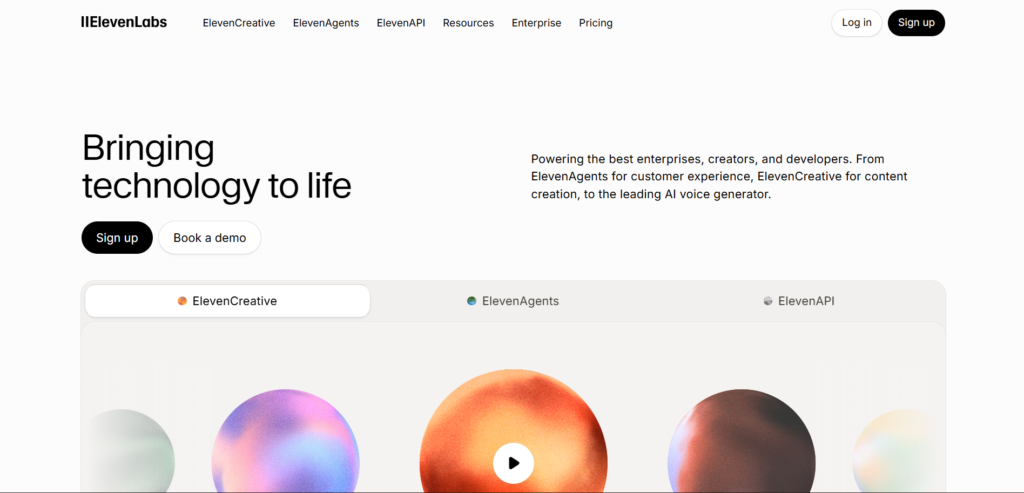
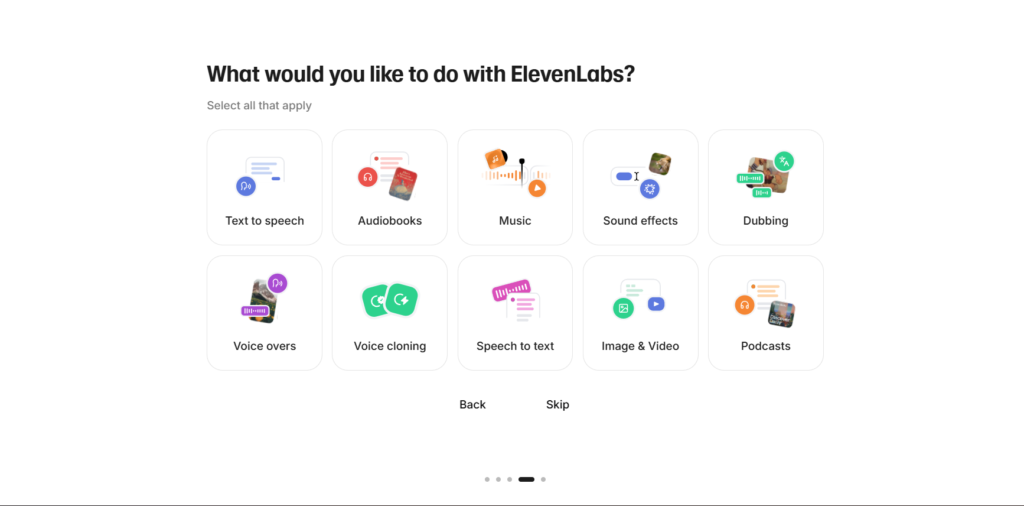
ElevenLabs is an AI voice platform that converts written text into natural sounding spoken audio, and also allows cloning a specific voice from a sample recording. For a complete beginner, the simplest way to understand it is a tool that turns a script into professional-sounding narration in minutes, without needing recording equipment, a quiet room of your own, or any voice acting experience.
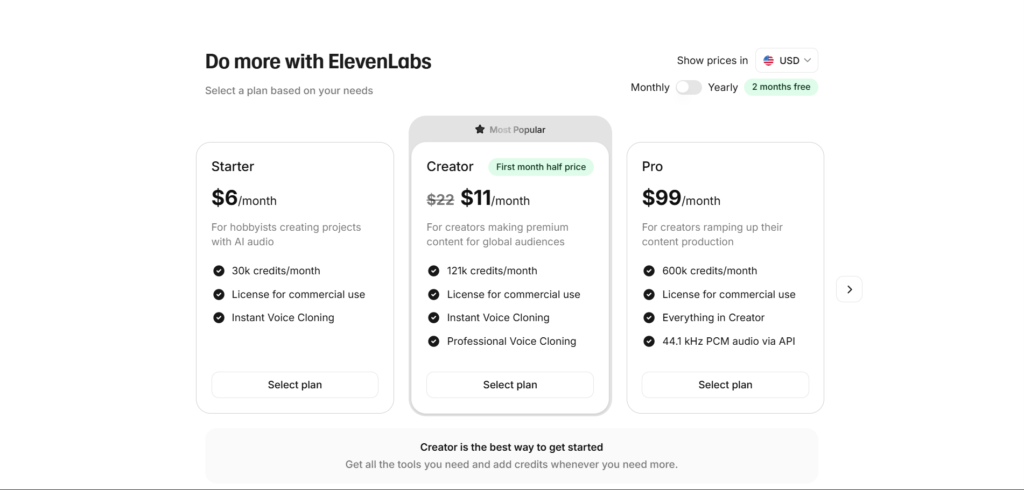
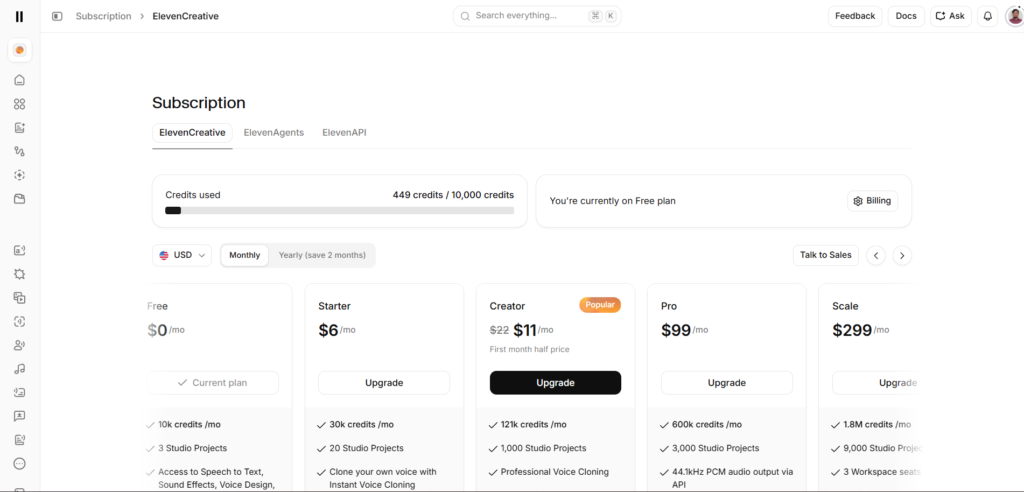
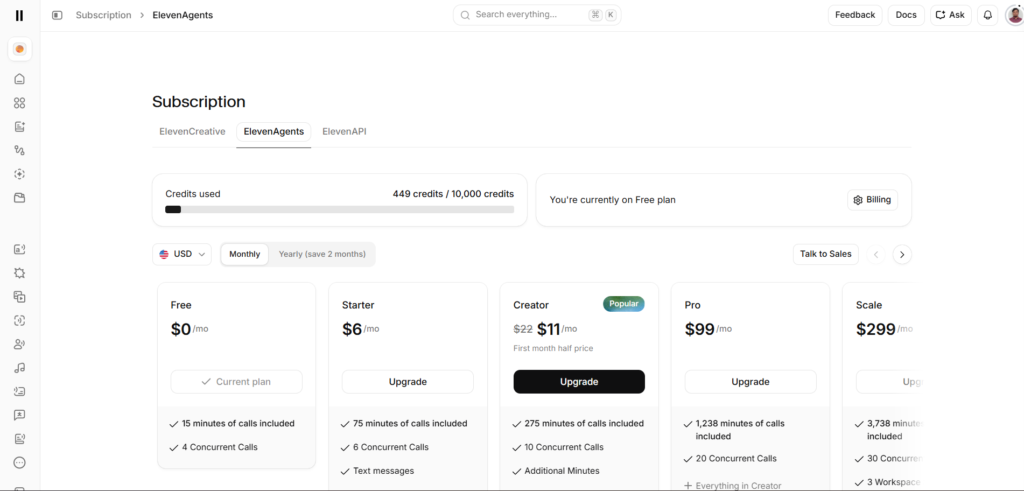
The platform includes a permanent free tier, letting new users test voice quality and generation before committing to any paid plan. This free tier includes 10,000 credits monthly, roughly ten minutes of generated speech, along with access to a library of preset voices and the ability to create up to three custom voice profiles, though commercial use of generated audio requires at least the Starter paid plan.
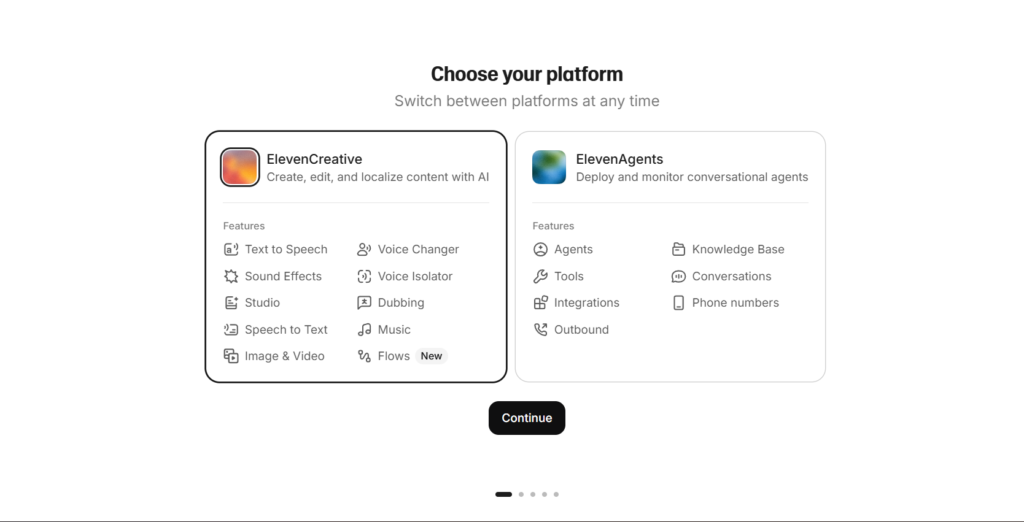
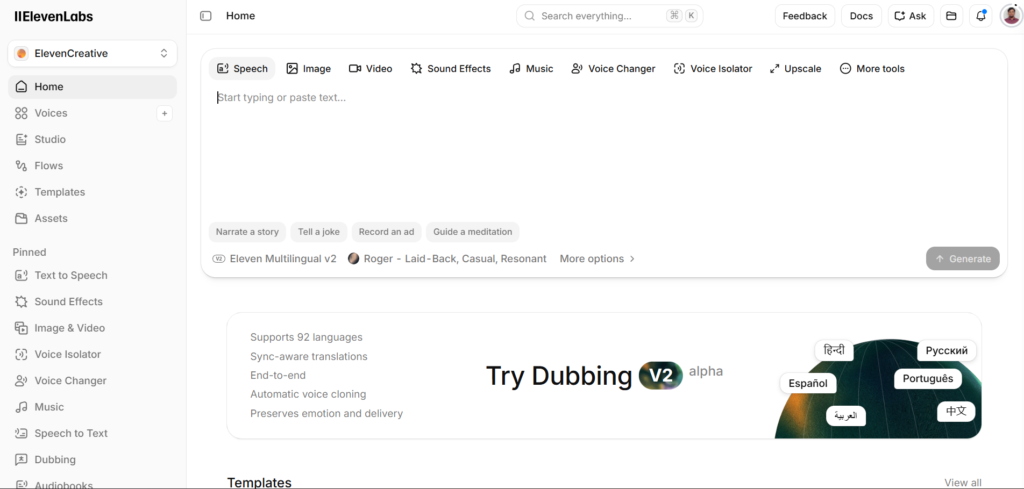
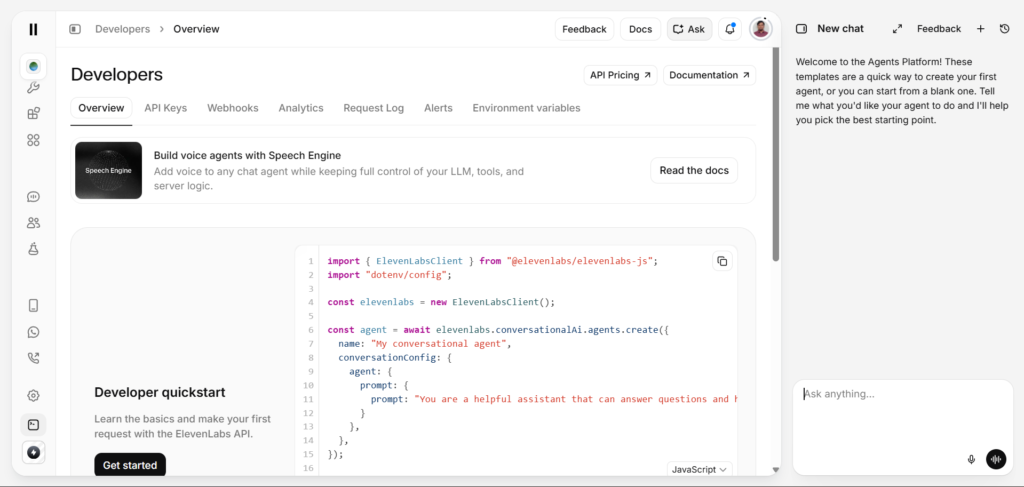
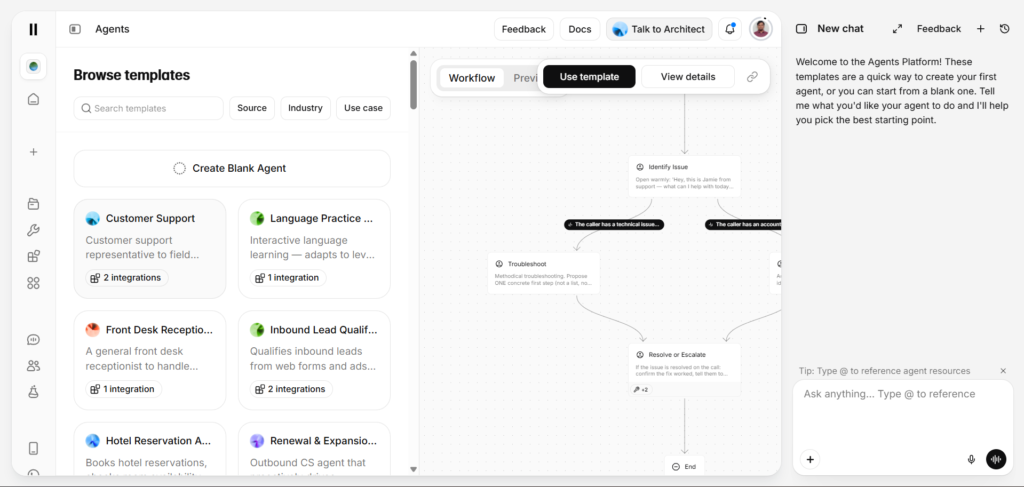
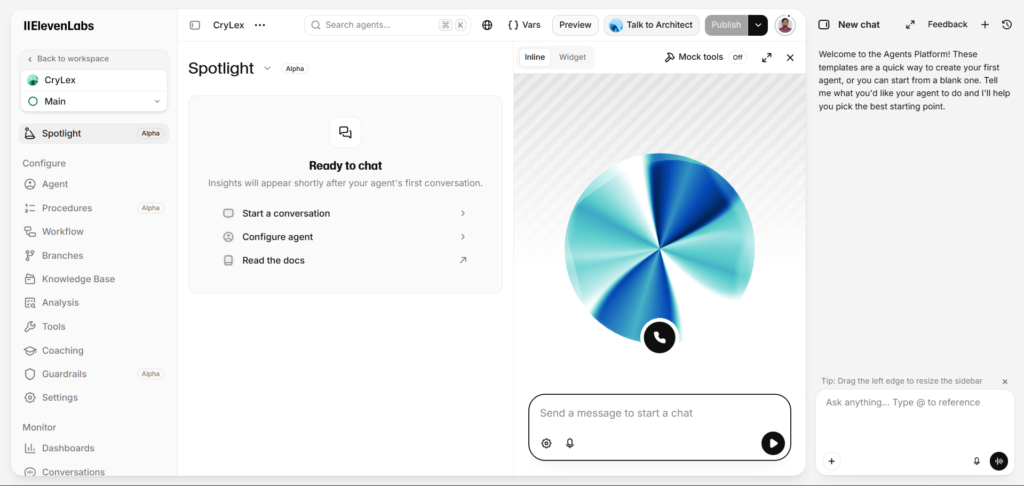
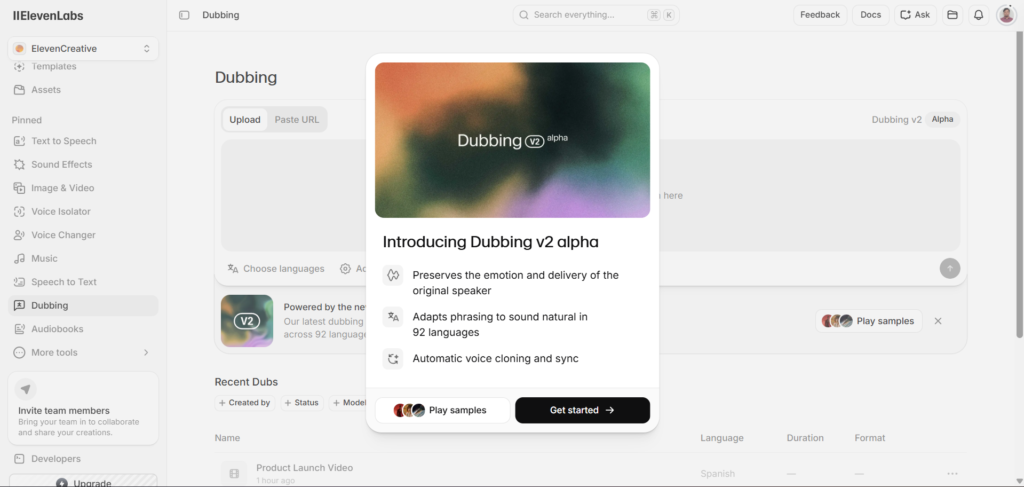
Beyond basic text-to-speech, ElevenLabs includes several more advanced tools worth knowing exist even if you do not need them immediately: voice cloning for replicating a specific voice, a Dubbing Studio for translating and re-voicing video content into other languages, and Conversational AI for building real-time voice agents. Most beginners only need the core text-to-speech tool at first, but knowing these other capabilities exist helps you recognize when a future project might benefit from them.
For the complete picture of everything ElevenLabs offers, including honest coverage of its limitations, our ElevenLabs Review 2026: 9 Honest Truths About the AI Voice Tool Everyone’s Cloning covers the full platform in depth, which is worth reading once you are past the basics covered in this beginner walkthrough.
Why This Guide Covers More Than the Basics?
Most beginner tutorials stop at “type text, click generate, download audio,” which technically works but skips nearly everything that separates a casual, occasional user from someone getting genuinely professional results. Small details, which model you choose, how you punctuate your script, whether you review output before using it, compound significantly over a real project, and none of them are obvious from the interface alone without someone explaining why they matter.
This gap matters because the difference in output quality between someone following only the basic generate-and-download flow and someone applying these habits deliberately is often larger than people expect from what looks like a simple settings choice. Two people using the identical voice and script can produce noticeably different final results based purely on preparation and review habits, not on any paid feature difference between their accounts.
How ElevenLabs Works for New Users?
Understanding the basic mechanics of how ElevenLabs generates audio helps new users get better results faster, rather than discovering these details through frustrating trial and error.
The Two Core Models
ElevenLabs offers two primary models for generating speech, each suited to different needs. Flash prioritizes speed, generating audio almost instantly, making it ideal for quickly testing a script or draft. Multilingual V2 prioritizes audio quality and natural pacing, making it the better choice for anything you actually intend to publish or use in a finished project. Beginners often default to whichever model appears first without realizing this choice meaningfully affects both speed and final quality.
How Text Becomes Speech?
When you submit text for generation, punctuation directly affects how the resulting audio sounds, since the model uses commas, periods, and other punctuation as cues for pacing and emphasis. A script written with clear, natural punctuation tends to produce noticeably better pacing than a long, run-on block of text with minimal punctuation guidance.
Voice Selection Versus Voice Cloning
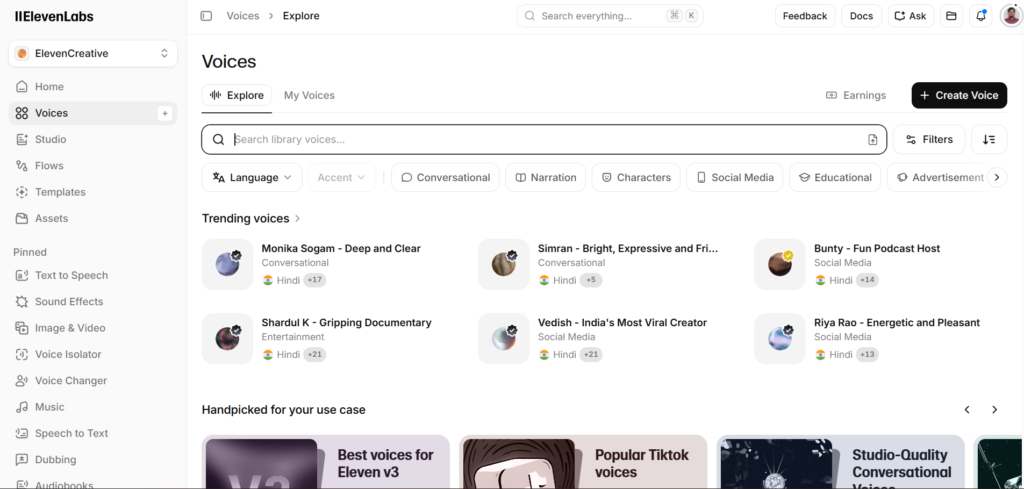
New users have two fundamentally different paths for choosing a voice. Selecting from the built-in voice library gives you immediate access to a range of professionally designed voices across different tones and accents. Cloning creates a new voice profile based on a sample you provide, either your own voice or, with proper consent, someone else’s, which takes more initial setup but produces a voice unique to your specific project or brand.
Credits and What They Actually Cost You?
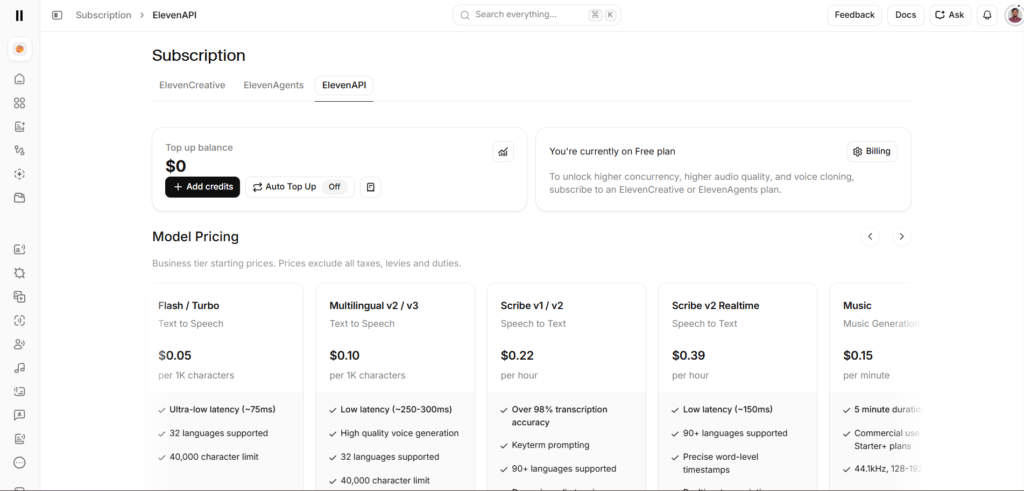
Every generation consumes credits based roughly on character count, with the exact cost varying somewhat depending on which model you use. Understanding this from the start helps you avoid the common beginner surprise of running through a free tier’s monthly allowance faster than expected simply because a specific project required more text than initially estimated.
A practical way to estimate this before you start a larger project is counting the approximate character length of your script and comparing it against your plan’s stated credit allowance, rather than generating first and discovering partway through a long project that you have used most of your monthly capacity. This is a small habit that saves genuine frustration once you move from short tests into real, longer-form content.
Step-by-Step Guide to Using ElevenLabs
Here is the complete beginner walkthrough, covering everything from account creation through the habits that separate polished results from obviously synthetic ones.
Step 1: Create Your Free Account
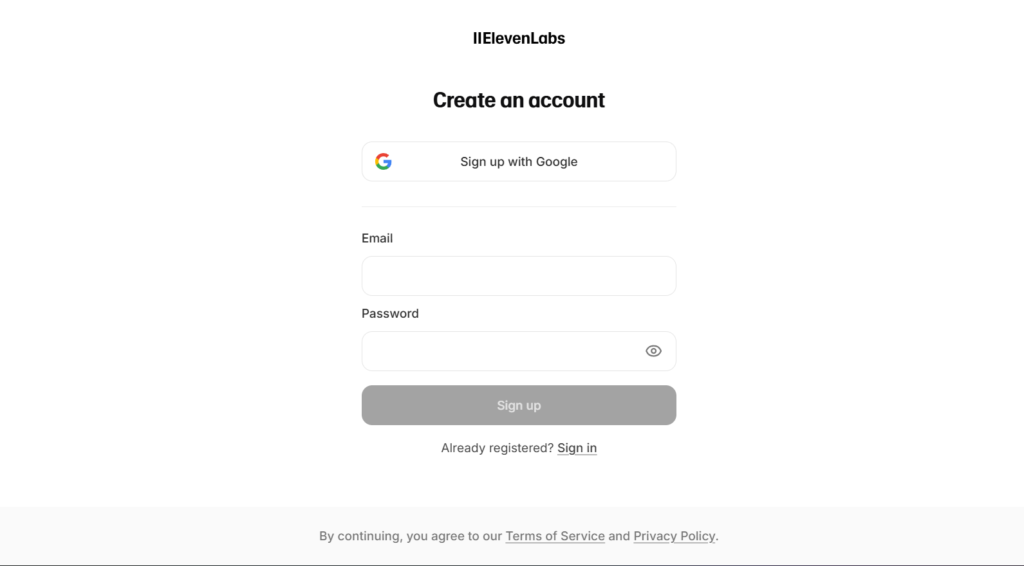
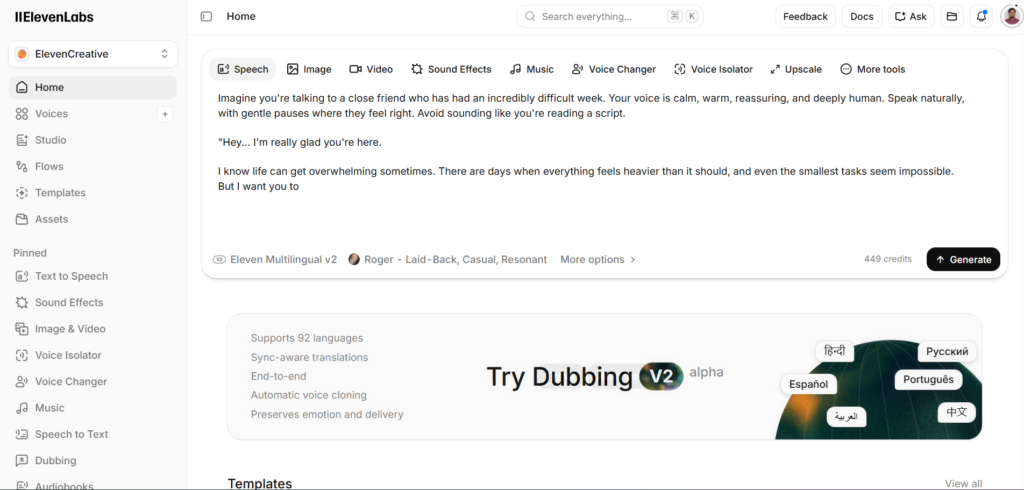
Go to elevenlabs.io and sign up using your email address. No payment information is required for the free tier, and you can typically start generating audio within a couple of minutes of signing up.
Step 2: Explore the Voice Library Before Generating Anything
Before writing or pasting any script, browse the built-in voice library to hear the range of available voices. This gives you a realistic sense of what quality to expect and helps you choose an appropriate voice before investing time in script preparation.
Step 3: Generate a Short Test Sample First
Paste a short paragraph, not your full script, into the Speech Synthesis tool and generate your first sample. This lets you evaluate voice quality and pacing quickly before committing significant credits to a longer piece of content.
Step 4: Compare Flash and Multilingual V2 on the Same Text
Generate the exact same short sample using both available models to hear the practical difference in speed and quality for yourself, rather than assuming one is simply better than the other without direct comparison.
Step 5: Understand Commercial Use Restrictions Before Publishing Anything
If you plan to use generated audio in anything monetized or commercial, even a single sponsored video, confirm you are on at least the Starter paid plan first, since the free tier explicitly restricts commercial usage and requires attribution.
Step 6: Try Voice Cloning Once You Understand the Basics
Once comfortable with standard text-to-speech, experiment with cloning your own voice using Instant Voice Cloning, available starting on the Starter plan, to understand how the process works before considering it for a real project.
Step 7: Write Scripts With Punctuation in Mind
As you move beyond initial testing, start writing or editing scripts specifically with clear, natural punctuation, since this single habit improves generated audio pacing more than almost any other adjustment you can make.
Step 8: Break Longer Projects Into Sections
For anything longer than a couple of paragraphs, generate your content in shorter sections rather than one long pass. This makes it far easier to identify and regenerate a single problematic sentence without redoing an entire long piece of narration.
Step 9: Review Generated Audio Before Using It
Always listen through generated audio completely before using it in a finished project, specifically checking for mispronunciations, awkward pacing, or unnatural emphasis that might need a regenerated pass on that specific section.
Step 10: Know When It Is Actually Time to Upgrade
Stay on the free plan until you consistently need commercial rights or run into its usage limits during real, regular use, rather than upgrading immediately out of habit. Once you know specifically which paid features you need, choosing the right tier becomes a much clearer decision.
Key Benefits of Learning ElevenLabs Properly
Beginners who understand the difference between Flash and Multilingual V2 from the start avoid a common early frustration, using the wrong model for a given task and getting either unnecessarily slow results or lower quality output than the project actually needed.
Learning proper script punctuation habits early produces a meaningfully better final result than most beginners initially expect from AI generated narration, often closing much of the perceived gap between “obviously AI” and “professionally produced” audio through preparation alone rather than any paid upgrade.
Understanding credit consumption before committing to a large project prevents the common beginner experience of running out of monthly allowance partway through an important piece of work, an entirely avoidable frustration once you understand roughly how character count translates into actual cost.
Knowing which specific paid features exist, voice cloning, dubbing, conversational AI, before you actually need them means you recognize the right moment to upgrade rather than either paying for capability you are not using or missing out on a feature that would have genuinely helped a specific project.
Beginners who build the habit of listening through generated audio completely before using it, rather than trusting the first pass automatically, catch problems early enough to fix them cheaply, before a mispronunciation or awkward pacing issue makes it into a published, distributed piece of content where correcting it becomes considerably more disruptive.
Comparison Table
| Tool Name | Beginner Learning Curve | Standout Beginner Feature | Free Tier Usability | Monthly Cost |
|---|---|---|---|---|
| ElevenLabs | Low, intuitive interface | Voice library plus easy cloning | Genuinely usable for testing | Free, then $5 |
| Murf AI | Low, studio-style editor | Built-in editing timeline | Usable, more limited | Free, then $29 |
| Amazon Polly | Moderate, more technical | Deep AWS integration | Usable, developer-focused | Usage-based |
| Play.ht | Low, straightforward interface | API-first design | Usable for testing | Free, then $39 |
| Google Cloud Text-to-Speech | Moderate, more technical | Reliable infrastructure integration | Usable, developer-focused | Usage-based |
Pricing reflects publicly listed rates as of mid-2026. ElevenLabs and Murf are generally the most approachable for complete beginners without a technical background, while Amazon Polly and Google Cloud’s offerings assume more comfort with developer-oriented tools and documentation.
Who This Guide Is For?
Complete beginners who have never used an AI voice tool before will benefit most from following all ten steps in order, since later steps, particularly script punctuation habits and section-based generation, build meaningfully on the foundational understanding established in earlier ones.
Casual users who have generated a sample or two but stuck to default settings will likely find the biggest improvement in output quality from the punctuation and model selection guidance covered here, since these two factors alone account for a large share of the gap between amateur and professional-sounding results.
Content creators specifically planning to use ElevenLabs for video narration should pay particular attention to the commercial rights step, and would benefit from reading our more detailed guide on ElevenLabs for YouTubers 2026: 8 Proven Ways to Sound Like a Pro Without a Mic once comfortable with these fundamentals, since that guide covers workflow habits specific to regular video production.
Anyone planning to explore voice cloning specifically should understand the basic text-to-speech workflow covered here first, before moving on to our dedicated guide on ElevenLabs Voice Cloning 2026: 7 Unsettling Truths About How Real It Sounds, which covers the consent requirements and quality expectations for that more advanced feature in full detail.
FAQ
Is ElevenLabs difficult to learn for a complete beginner?
No, the core text-to-speech functionality is designed to be intuitive, requiring no technical background to generate a basic sample within minutes of signing up. The habits that meaningfully improve output quality, proper script punctuation, choosing the right model for your specific task, and reviewing generated audio carefully before use, take slightly longer to learn but are straightforward once explained clearly, typically becoming second nature within the first few real projects.
Do I need to pay for ElevenLabs to use it properly?
No, the free plan provides genuinely useful access for testing and light, non-commercial use, including 10,000 monthly credits and access to the full voice library. The main limitation is the restriction on commercial usage, meaning any monetized or business use of generated audio requires at least the Starter paid plan, which costs around $5 monthly and represents a low-cost entry point once you are ready to publish commercially.
What is the difference between the voice library and voice cloning?
The voice library gives you immediate access to a range of professionally designed preset voices without any setup required beyond selecting one. Voice cloning instead creates an entirely new, custom voice profile based on a sample recording you provide, either your own voice or, with proper documented consent, someone else’s, taking more initial setup time but producing a voice unique to your specific project rather than a shared preset used by many other platform users.
How much does it cost to generate a typical video’s worth of narration?
Cost depends on script length and which model you use, but a typical five-minute video script, roughly 750 to 1,000 words, generally falls comfortably within the free tier’s monthly credit allowance for testing purposes, though commercial use of that same content would require at least the Starter plan. Creators publishing regularly should track their actual monthly character volume over a billing cycle or two to accurately estimate which paid tier fits their real production needs.
Can I use ElevenLabs without any prior audio editing experience?
Yes, generating audio itself requires no audio editing skills, since ElevenLabs handles the actual voice generation entirely. However, most creators still import generated audio into a standard video or audio editor to add background music, adjust pacing, or layer in sound effects, meaning at least basic familiarity with a video or audio editing tool remains useful for producing a fully polished final project, even though it is not required simply to generate the narration itself.
What should a complete beginner generate first to get a feel for ElevenLabs?
Rather than a generic test phrase, try generating something you actually plan to use soon, a short introduction for a real video, a paragraph from an actual project, or a message you genuinely need narrated. Testing with real, personally relevant content gives a far more accurate sense of whether ElevenLabs’ voice quality and workflow actually fit your specific needs than a generic sample sentence chosen purely to test the platform in the abstract.
Final Thoughts
Learning how to use ElevenLabs properly takes longer than the five minutes most quick-start guides suggest, but the additional time investment is genuinely small. The real difference between amateur-sounding and professional-sounding AI narration comes down to a handful of specific habits: proper script punctuation, choosing the right model for your specific task, and carefully reviewing generated audio before publishing it anywhere.
None of the ten steps covered here require any technical background or prior audio experience, and most beginners can work through the complete list within an hour of hands-on practice. The habits that take longest to discover independently, particularly punctuation’s effect on pacing and the practical difference between the two core models, are exactly the ones worth prioritizing early rather than learning through months of trial and error.
Revisit this walkthrough again after your first few real projects. Habits that felt unnecessary during initial testing, particularly reviewing every generation carefully or breaking longer scripts into sections, tend to become obviously valuable once you are working on content that actually matters, rather than a quick sample generated purely to explore the platform.
Start with a short, real piece of content you actually need narrated rather than a generic test phrase, and you will get a far more honest, useful sense of whether ElevenLabs fits into your actual workflow.
External Links:
- https://elevenlabs.io
- https://elevenlabs.io/pricing
- https://elevenlabs.io/docs
- https://elevenlabs.io/text-to-speech
- https://elevenlabs.io/voice-cloning
- https://elevenlabs.io/dubbing
- https://elevenlabs.io/conversational-ai
- https://support.google.com/youtube
- https://www.adobe.com/products/audition.html
- https://www.descript.com